WooCommerce: Product List View @ Shop

Interesting, isn’t it? This has been on my to-write list for ages, so today I want to show you my first attempt at turning the Shop page into a list/table of products as opposed to the default grid.

This is especially suitable to B2B WooCommerce shops, or for those websites where customers don’t really need to see huge product images and are used to order “from a product form”.

Let’s see how I did this – I will try to comment my PHP as much as possible so you can understand my strategy. Enjoy!

Continue reading WooCommerce: Product List View @ Shop

WooCommerce: Display Variations’ Stock @ Shop Page

Thanks to the various requests I get from Business Bloomer fans, this week I’m going to show you a simple PHP snippet to echo the variations’ name and stock quantity on the shop, categories and loop pages.

Of course, if “Manage stock” is not enabled at variation level, the quantity will be null, and therefore the returned string will just say “In stock” or “Out of stock”.

Enjoy!

Continue reading WooCommerce: Display Variations’ Stock @ Shop Page

WooCommerce Visual Hook Guide: Archive / Shop / Cat Pages

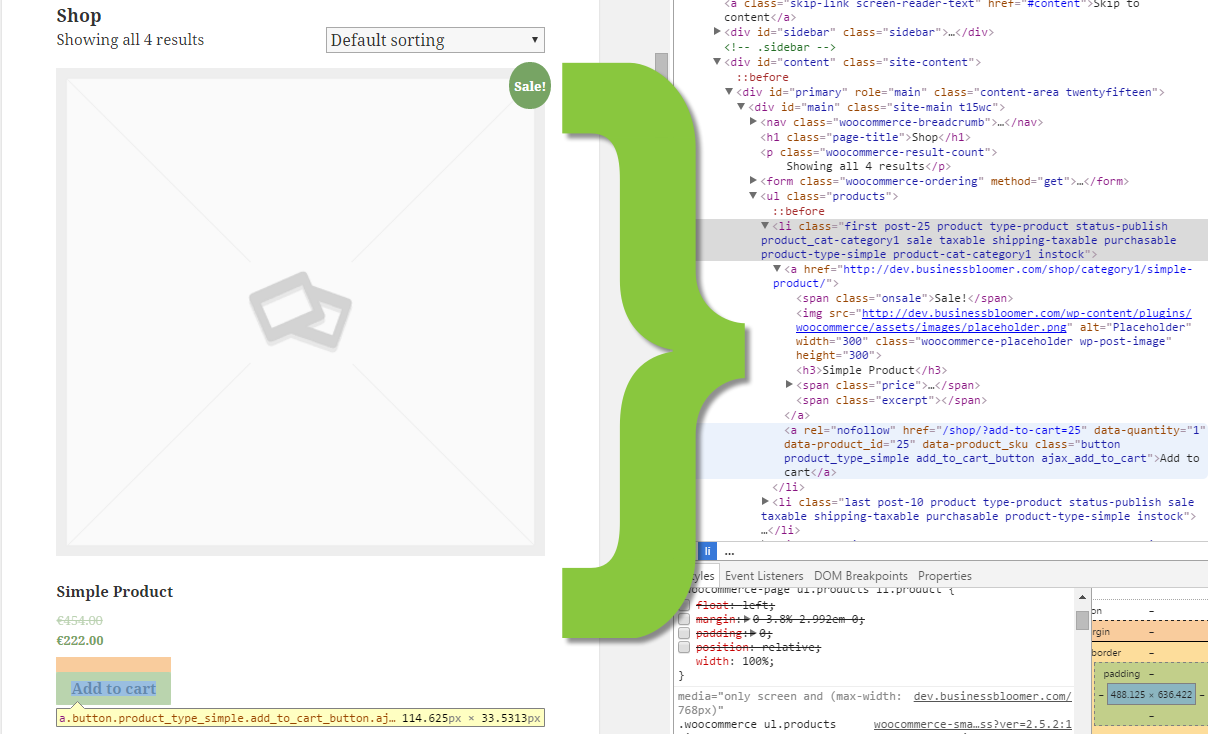
I’ve created a visual HTML hook guide for the WooCommerce Archive Page (which is the same page for the Shop, Category, Tag pages). This visual guide belongs to my “Visual Hook Guide Series“, that I’ve put together so that you can find WooCommerce hooks quickly and easily by seeing their actual locations (and you can also copy/paste). If you like this guide and it is helpful to you, let me know in the comments!

Thanks to this WooCommerce Archive Visual Hooks Guide, you can now go to your template’s functions.php file and use “add_action(‘place-hook-here’,’your-PHP-function-here’);” – you can then place your custom functions exactly where you like them to be. Enjoy!

Continue reading WooCommerce Visual Hook Guide: Archive / Shop / Cat Pages

WooCommerce: Show Category For Each Product @ Shop Page

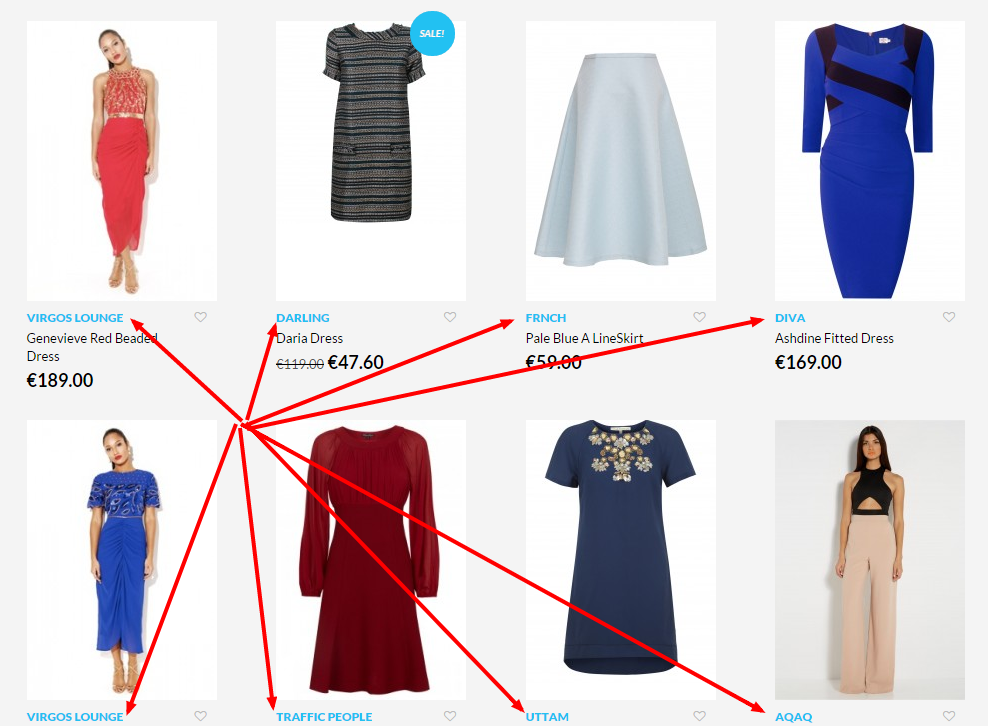
A client of mine has a category called “Brand”. Each product is assigned to a specific Brand subcategory e.g. Nike, Adidas, etc. The goal of this task was to show the “Brand” subcategories in the shop/category/loop pages as a way to help the user identify the brand name.

The same can be applied to showing ALL categories, so the user knows exactly to what section of the shop the product belong to. Great, let’s see how it’s done!

Continue reading WooCommerce: Show Category For Each Product @ Shop Page